Zippa Solutions — Delivering for People, Powered by People
Powering the everyday economy through smart local logistics.
Zippa Solutions — Delivering for People, Powered by People
Powering the everyday economy through smart local logistics.
Powering Local Commerce, One Order at a Time
Zippa is built for speed, service, and the everyday customer.

Ordering
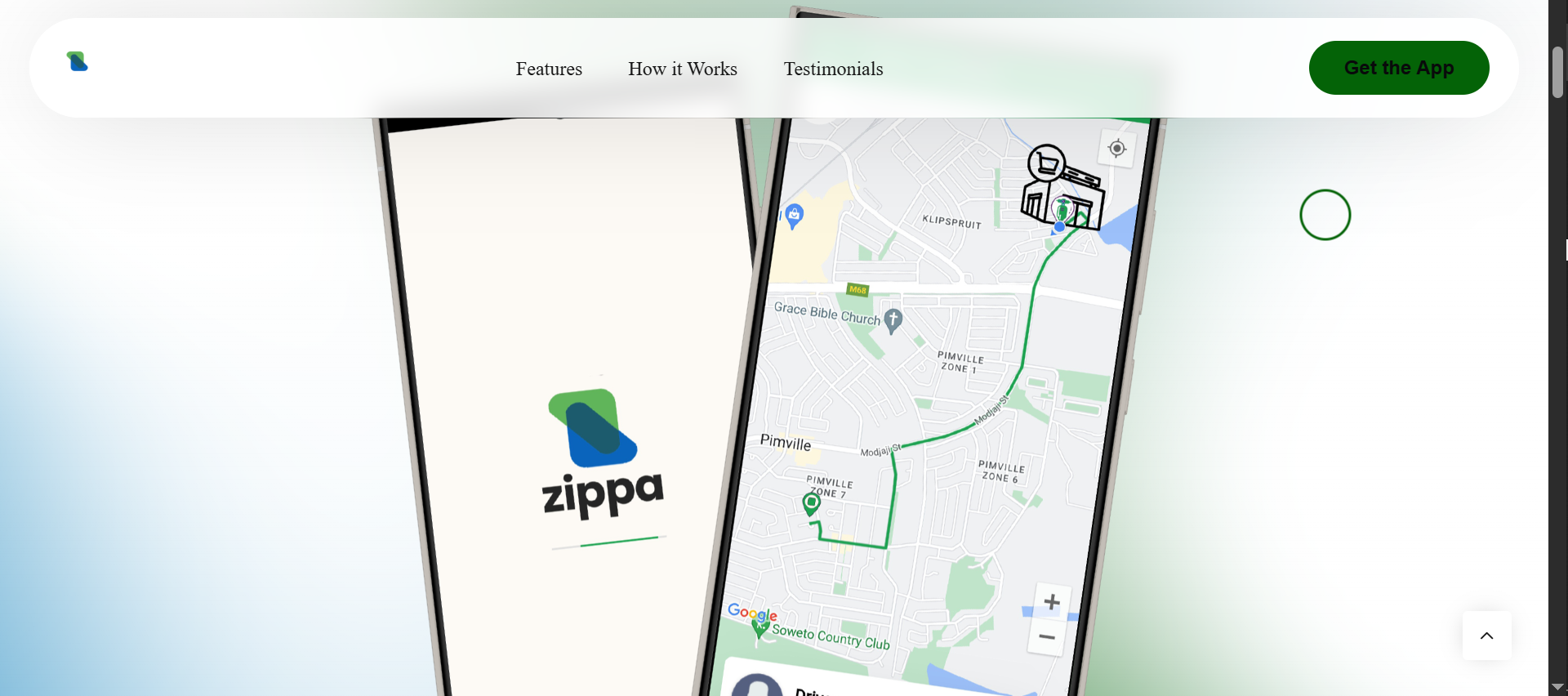
Browse and order your favorite meals from nearby restaurants and stores. Choose from a wide range of local options — all delivered straight to your door.
Fast Delivery
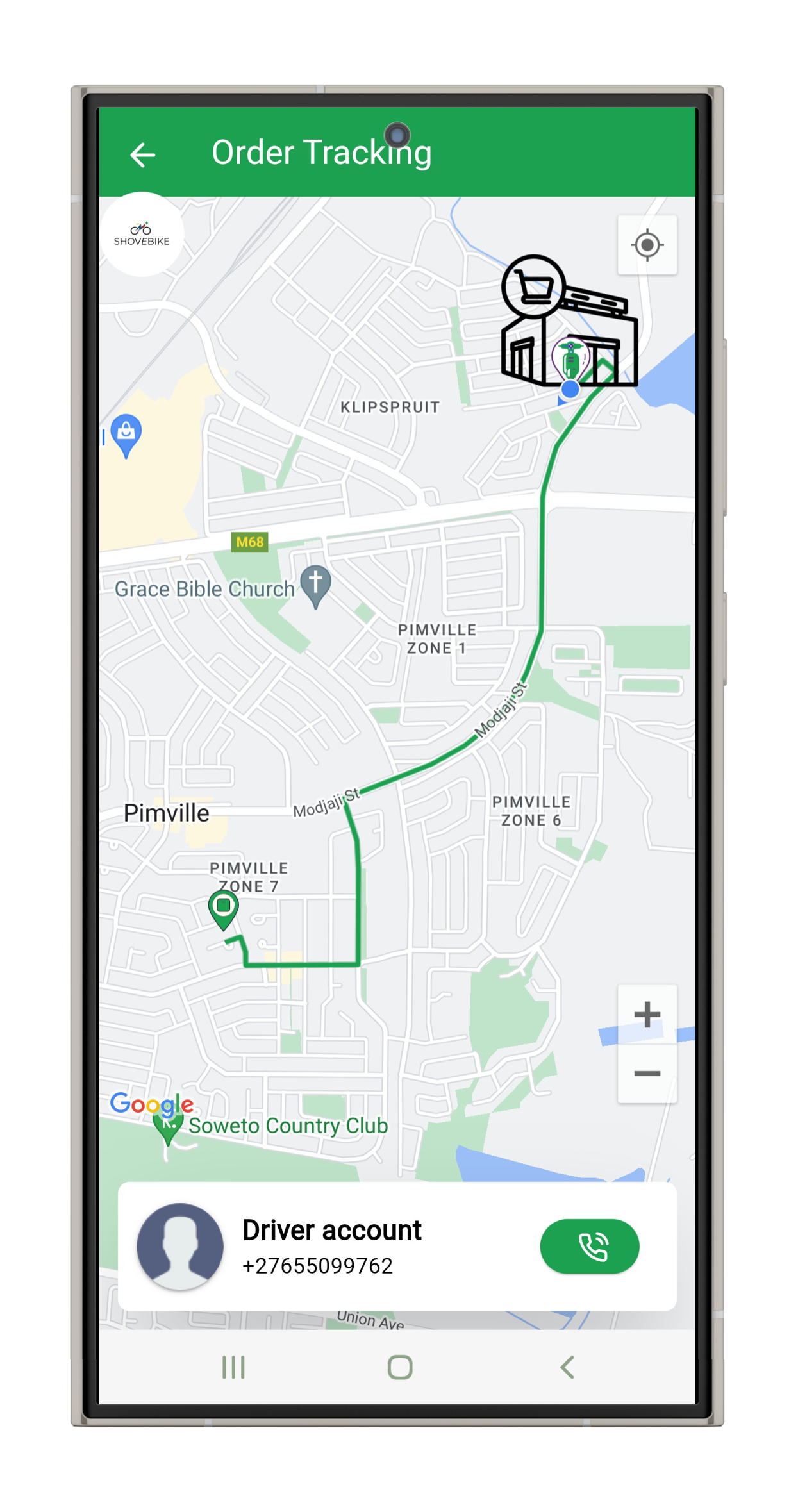
Enjoy quick and reliable deliveries, right when you need them. Our riders work in your area, so you get what you need — faster, with less hassle.

Cheaper & Better
Great service doesn’t have to be expensive. With Zippa, you get affordable delivery and quality items from trusted local vendors — without breaking the bank.
Join Us Today
Join the Movement — Deliver with Us
Join Zippa as a driver and start earning on your own schedule. Whether you’re looking for full-time work or extra income, Zippa gives you the freedom to deliver in your community, get paid quickly, and be part of a trusted local network. We provide the support, the app, and the opportunities — you bring the hustle.
No special experience needed, just a reliable vehicle and a smartphone. Sign up today and start making deliveries that matter.
Partner with Zippa Today
Join Zippa and expand your business to more customers in your community. Our platform connects you with local buyers eager to shop from trusted vendors like you. With easy order management, reliable delivery support, and timely payments, growing your sales has never been simpler.
Sign up today to start reaching new customers and delivering great service with Zippa.
About Us
Zippa is a township-first delivery platform built to connect local stores, vendors, riders, and customers. Our mission is to make everyday shopping easy, affordable, and reliable by providing fast last-mile delivery tailored for real communities.
We believe in empowering small businesses and creating opportunities for drivers while delivering quality service to customers. With Zippa, you get more than just delivery — you get a partner invested in growing your local economy.
Contact Us
We're always here to assist you with any questions or concerns you may have. Whether you need help with our services, have feedback, or just want to get in touch, feel free to reach out to us through the following channels:
Have questions or feedback? We're here to help! Reach out to our customer support team at [email protected] or call us at +27 69 430 1500 .
Your satisfaction is our priority, and we're committed to providing you with the best possible service. Thank you for choosing Glover!

FAQs
Need help? Check out our FAQs to find answers to your questions.
How do I create an account?
Creating an account is easy and free!
Just download the Molina Market app from your app store, open it, and tap on "Sign Up"/"Become A Partner" button on the login page/screen.
Fill in the required information, including your email address and a secure password, then follow the instructions to verify your email.
Once verified, you can start using all the features Molina Market has to offer.
How do I place an order?
Ordering first is really easy. Just follow these steps:
Follow the steps required for each option and once you’re finished, a courier will accept your order and deliver it in minutes.
What can I order?
You can buy and receive products as well as send deliveries or express messages within your city.
Want us to go to the pharmacy for you?
Need to buy a pair of shoes?
Want something to eat?
Need to ship a package?
We mean it: Anything you want, delivered in minutes.
How do I find what I want?
At the bottom of your screen, there's a search bar that lets you find any product or establishment in your city.
How do I withdraw my earnings?
To withdraw your earnings, simply navigate to the "Earnings" section of the app.
From there, you can view your available balance and choose a withdrawal method, such as bank transfer or payout account info.
Follow the on-screen instructions to complete the withdrawal process.
Please note that there may be minimum withdrawal thresholds and processing times associated with each withdrawal method.
Are there any fees associated with withdrawing my earnings?
The driver app does not charge any fees for withdrawing your earnings. However, please be aware that third-party payment processors, such as banks, may impose their own fees.
Make sure to review their terms and conditions for any applicable charges.
How do I deliver an order to the customer using the driver app?
When you receive a new order, you will be provided with the customer's delivery address and any special instructions.
What should I do if I encounter any issues during the delivery process?
If you encounter any issues, such as difficulty locating the customer or items missing from the order, please use the in-app messaging or call the customer directly to resolve the issue.
If you're unable to complete the delivery for any reason, contact support for assistance.
How do I go online to start receiving orders?
To go online and start receiving orders, simply toggle the "Online" switch within the driver app.
Once you're online, you'll begin receiving order requests based on your availability and location.
Make sure to have your vehicle ready and be prepared to accept orders.
How do I go offline to stop receiving orders?
If you need to take a break or stop receiving orders temporarily, toggle the "Offline" switch within the driver app. This will prevent you from receiving new order requests until you go back online.
You can go offline at any time, but please ensure that you're not currently fulfilling an active order when doing so.
Zippa
Zippa is a township-first delivery platform connecting local stores, riders, and customers. We power fast, affordable last-mile delivery in real communities — helping small businesses grow and making everyday shopping easier.
© Zippa 2025 — All rights reserved.
Powered by local people. Built for local business.
© 2025 Zippa. All rights reserved.